Interactive shell (REPL)
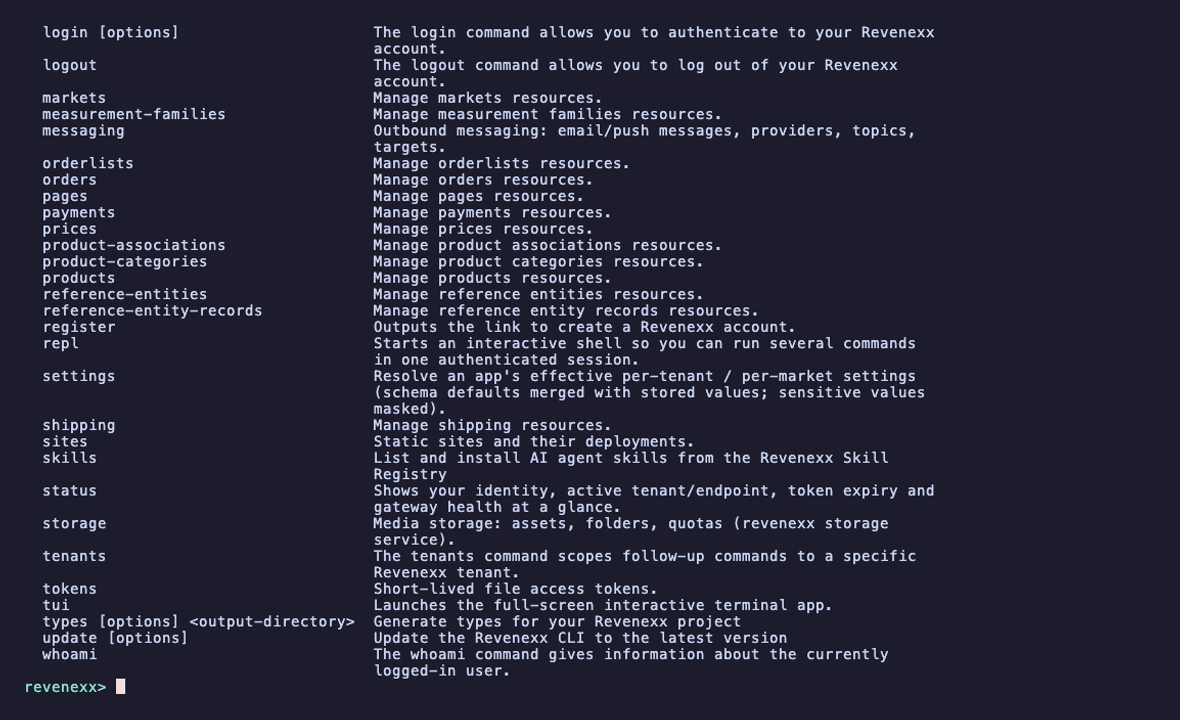
revenexx repl opens an interactive shell that stays signed in, so you can run several commands without re-typing revenexx or re-resolving your credentials each time. It reuses the exact same command tree as the CLI, so everything works identically inside it — aliases, prompts for missing options, --json, and the rest.
revenexx repl
# Interactive shell -- type a command, help, or exit. Tab completes command names.
# revenexx> products list
# revenexx> p get --product-id prod_8a3f
# revenexx> help
# revenexx> exit
The shell needs an interactive terminal (a TTY). In a pipe or CI it exits immediately with a hint — run commands directly there instead.
Running commands
Type any command exactly as you would after revenexx, without the program name:
revenexx> orders list
revenexx> customers get --customer-id cus_1a2b
Built-in and user-defined aliases are resolved here too, so p ls still means products list.
A failed command reports its error and returns you to the prompt — one bad command never ends the session.
Tab-completion
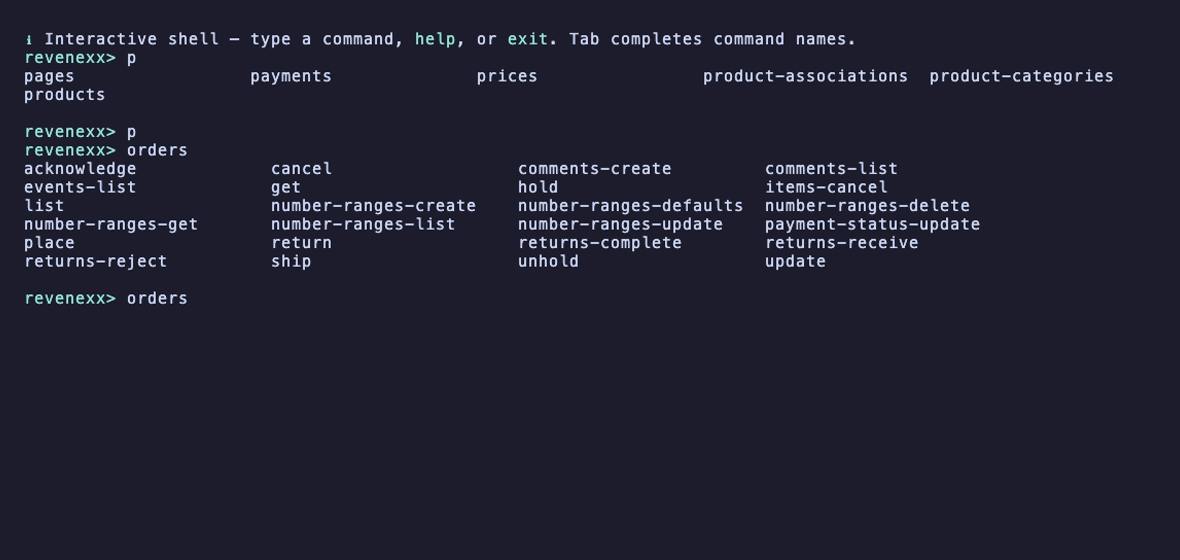
Press Tab to complete command names: the first token completes against the top-level groups, the second against the selected group's commands. When several names share a prefix, it completes as far as the common prefix and shows the candidates.
revenexx> ord⇥          → orders
revenexx> orders ⇥      → list  get  create  update  delete  …
Prompts for missing options
Because the shell hands the terminal to each command as it runs, the full interactive prompting works inside the REPL — including the searchable resource picker. Run a command without a required option and it asks for it:
revenexx> orders get
# ? Select order  (type to search)
# ❯ ORD-1043  Ada Lovelace — €120.00   ord_9f2a…
#   ORD-1044  Alan Turing — €89.50     ord_7c1b…
Supply the option inline to skip the prompt, exactly as outside the shell:
revenexx> orders get --order-id ord_9f2a1c
Production safety banner
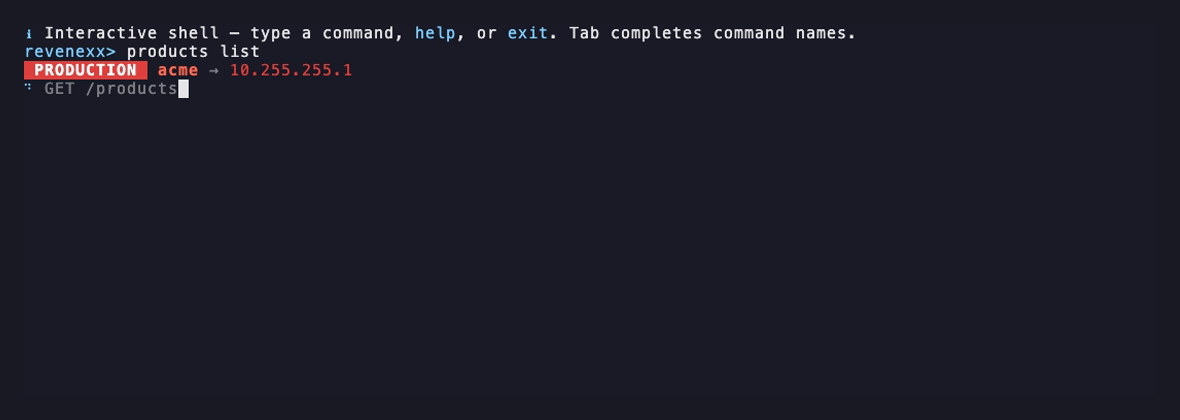
Before every command that talks to the API, the CLI prints a one-line banner to standard error showing which tenant and endpoint you're about to hit. When the context is production it becomes a prominent red PRODUCTION badge — the single best guard against running a command against the wrong environment, and it matters most in a rapid-fire shell.
 PRODUCTION  acme → api.revenexx.com          # production / sensitive
● staging → api.staging.example.com            # everything else (dim)
A context counts as production when the endpoint is the default (live) gateway, when the endpoint or tenant slug contains prod, or when the tenant is in your configured sensitive list. Configure the list with revenexx client --sensitive-tenants "acme,globex" or the REVENEXX_SENSITIVE_TENANTS environment variable.
Because it's on standard error, the banner never contaminates --json output and is suppressed for --json, non-interactive runs, and when you pass --quiet. Launch the shell with revenexx --quiet repl to silence it for the whole session.
Leaving the shell
exit,quit,q, or Ctrl-D end the session.help(or?) prints the full command list.- Ctrl-C cancels the line you're typing without leaving the shell.
What's next
- Explore commands visually in the full-screen app (TUI) — what a bare
revenexxopens by default. - Save the commands you run most as aliases.
- Run the CLI headless in CI and scripts.