Instant rollbacks
Safely revert a storefront to a previous deployment using instant rollbacks.
If a storefront needs to be reverted to a previously functional state for any reason (runtime errors, security flaw, etc.), you can roll your storefront back to an existing ready deployment.
Instant rollbacks don't delete, modify, or re-deploy your code. Instead, they simply change which deployment is being served to visitors. This makes rollbacks near-instantaneous, with zero downtime.
Use instant rollbacks
To use the instant rollback feature, follow these steps:
- Navigate to your storefront on revenexx Console.
- Under the Overview tab, click on the Instant Rollback button.
- Once the modal opens, click on the Rollback button.
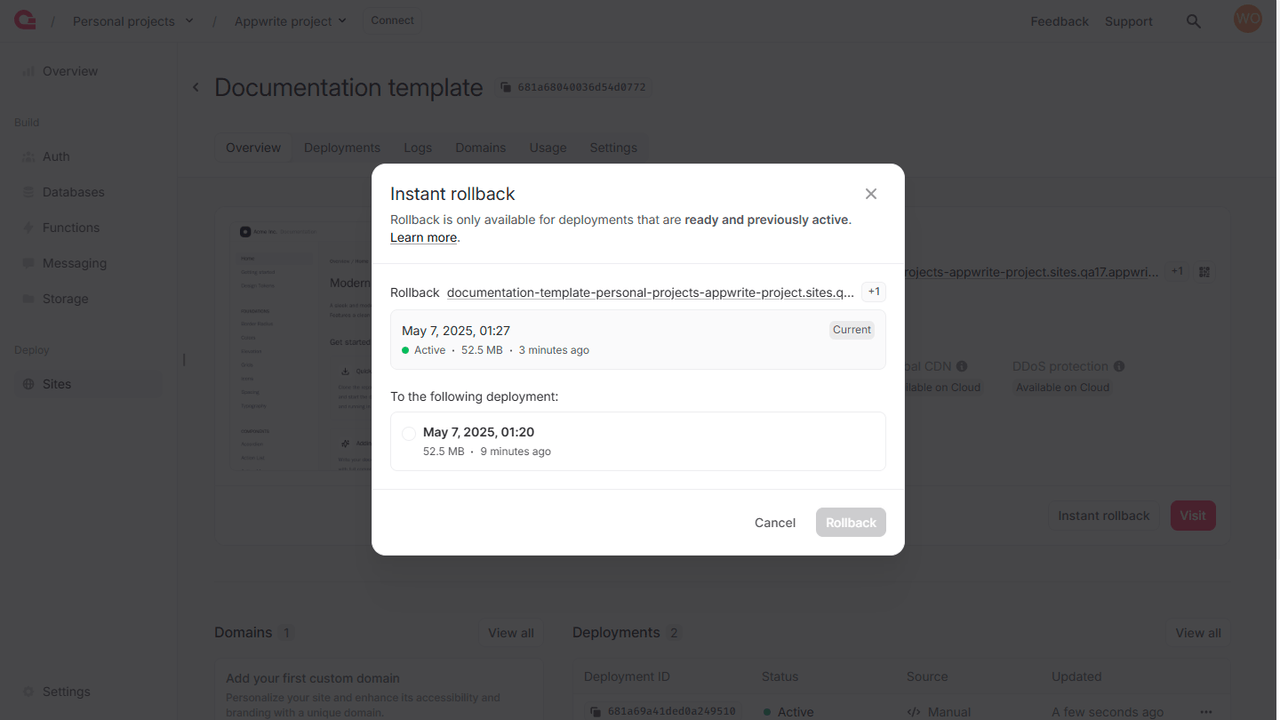
This will allow you to select a previously active, ready deployment to promote to currently active state.